
How to Invoice as a Freelancer (and Get Paid Faster)
If you’re newly self-employed, a freelancer, or a solopreneur, this is for you.
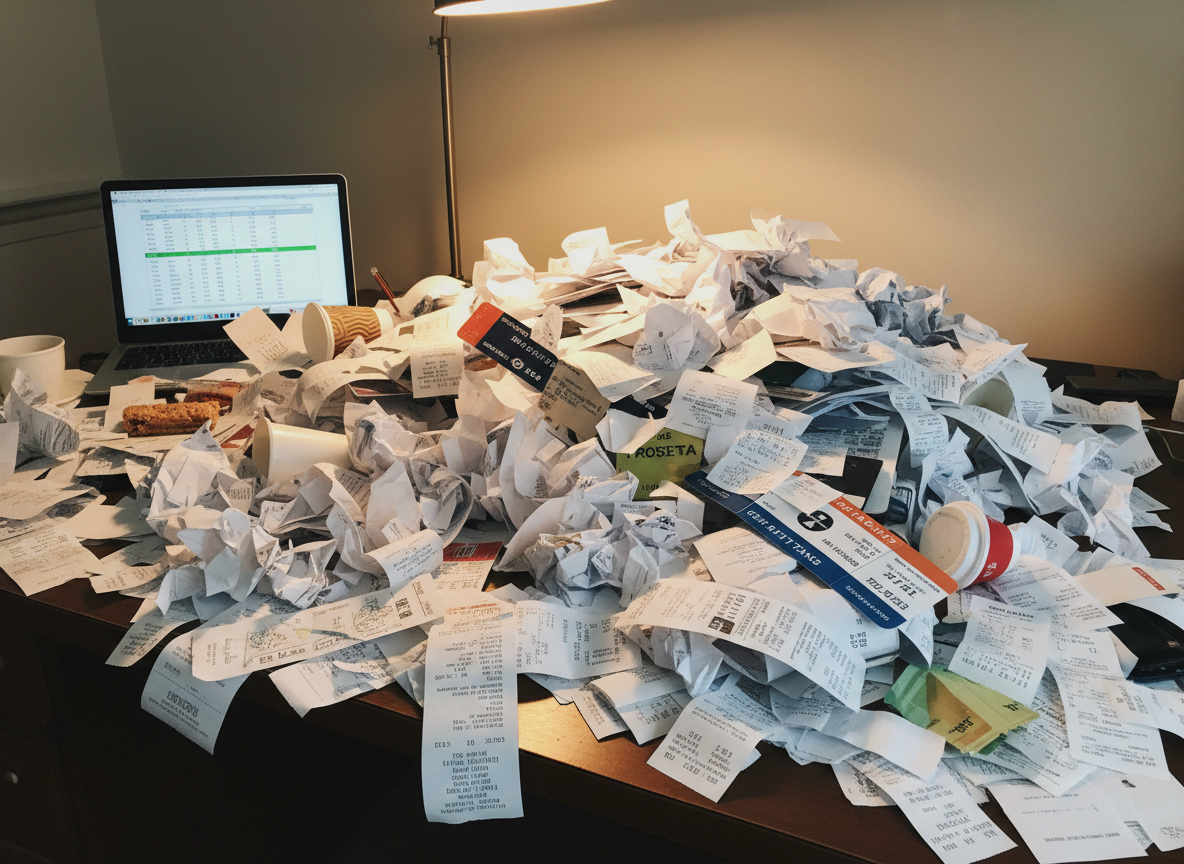
I could never let my desk actually get this way. :0
One of my current projects involves reconciling invoices from multiple vendors and entering them into a tracking system to verify submissions and confirm payments have been processed. Many of these vendors are independent contractors—just like you.
And here’s the honest truth: a lot of freelancer invoices make it harder to process payment than it needs to be.
Information from multiple projects gets lumped together, line items aren’t clearly defined, and key details are missing. The result? Extra back-and-forth, manual cleanup—and often, delayed payment.
If you want to get paid faster as a freelancer or contractor, your invoice format matters more than you think.
I’ve been on both sides of this process—as a contractor submitting invoices and as the operations person responsible for approving and processing them. The good news: a few small changes to how you invoice clients can dramatically speed up your payment timeline and make you look more professional.
1. Use a Clean, Professional Invoice Format
You don’t need expensive invoicing software to create professional invoices. A simple Google Sheets invoice template works perfectly well. Your invoice should be easy to read at a glance, with clear totals, dates, and contact information. A clean format helps clients (and their bookkeepers) process your payment faster.
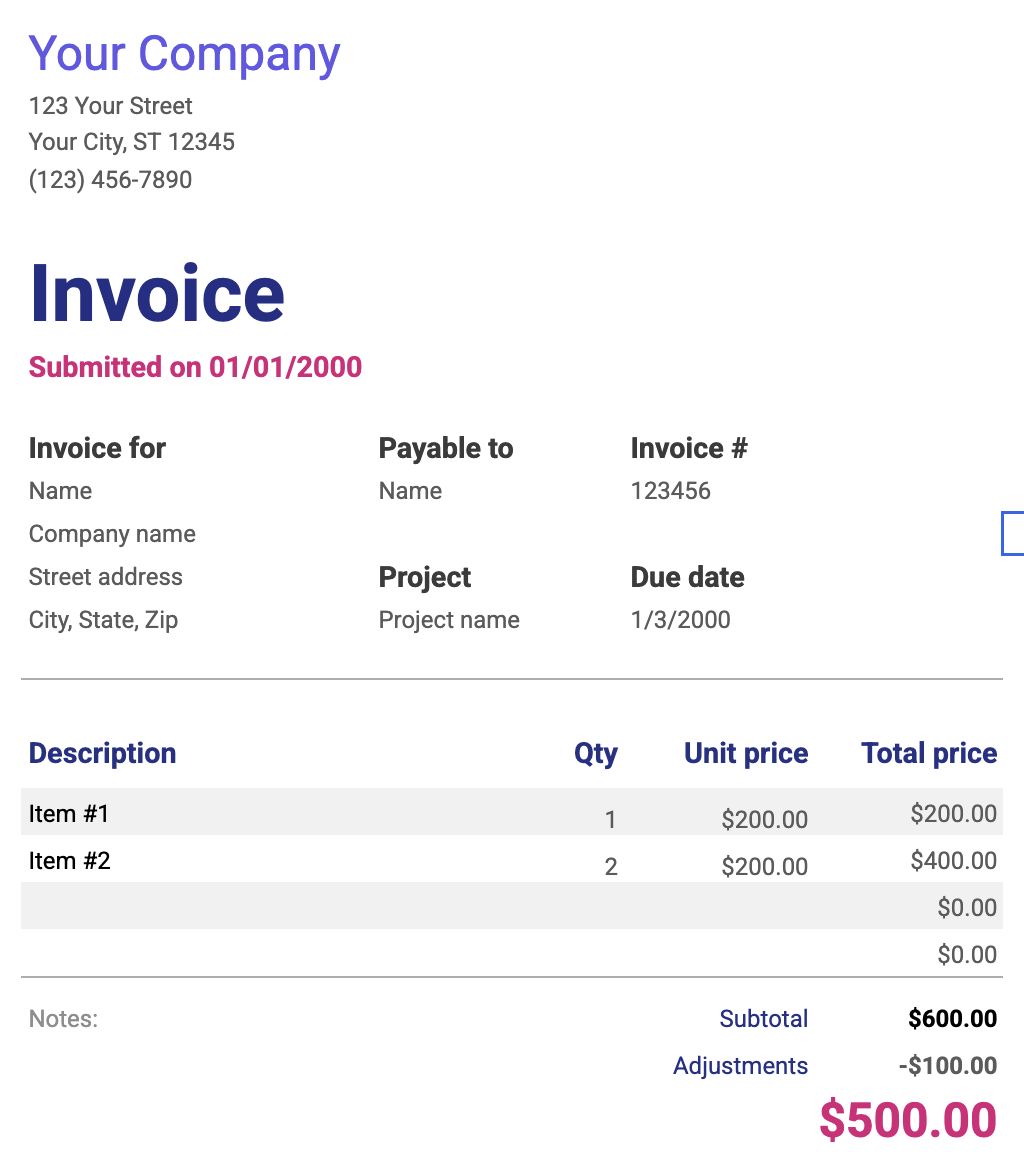
Free template from Google Sheets. The colors may not be what you want, but the format is clean and easy to read .
2. Always Include Clear Project Details
Every invoice should reference exactly what the work was for. This could be a project number, purchase order (PO) number, event name, campaign name, or deliverable description. Larger organizations rely heavily on PO numbers, but even small businesses benefit from clear references.
If no reference system exists, create your own and use it consistently. This signals that you’re organized, easy to work with, and professional.
3. Itemize Your Charges (Don’t Lump Everything Together)
Itemized invoices get approved faster. Instead of billing “Project Work – $2,000,” break it out clearly:
Labor per day
Travel expenses
Mileage
Meals
Materials
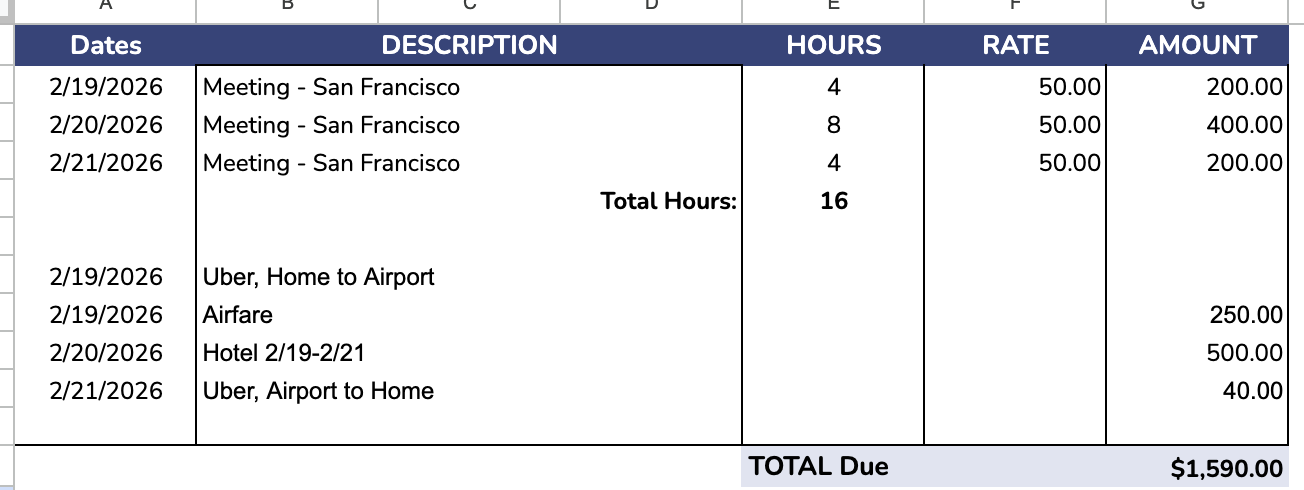
If your project spans multiple trips or deliverables, separate each one. Most free invoice templates include auto-calculating formulas, so this doesn’t take extra time—and it saves hours on the back end for the person processing your invoice.
Contact me for a customized solution for your needs.
